
In today's fast-paced world, keeping track of all your responsibilities can be a daunting task. From work meetings to personal appointments and social engagements, it's easy to feel overwhelmed and stressed out. That's where digital planning comes in. Building a digital planning system can bring many benefits to your personal and professional life. It allows you to have all your tasks, events, and deadlines in one centralized place, which can increase your productivity and reduce stress. With a digital system, you can easily access and update your plans from anywhere using a smartphone or computer, which provides flexibility and convenience. Additionally, digital planning systems often have features like reminders, notifications, and automatic scheduling, which can help you stay on top of your commitments and deadlines. Overall, investing time and effort into building a digital planning system can pay off in many ways, including improved time management, increased efficiency, and reduced stress.
This blog post will guide you through the strategic 5 steps process you can follow to build a digital planning system that works for you.
Step 1: Choose the Right Digital Planning Tools The first step in building a digital planning system is choosing the right tools. There are a plethora of options available, ranging from simple calendar apps to comprehensive project management tools. Consider your needs and preferences before making a decision. Some popular options include Google Calendar, Trello, Asana, and Notion.
Check out the below-related posts to find free digital planner templates!
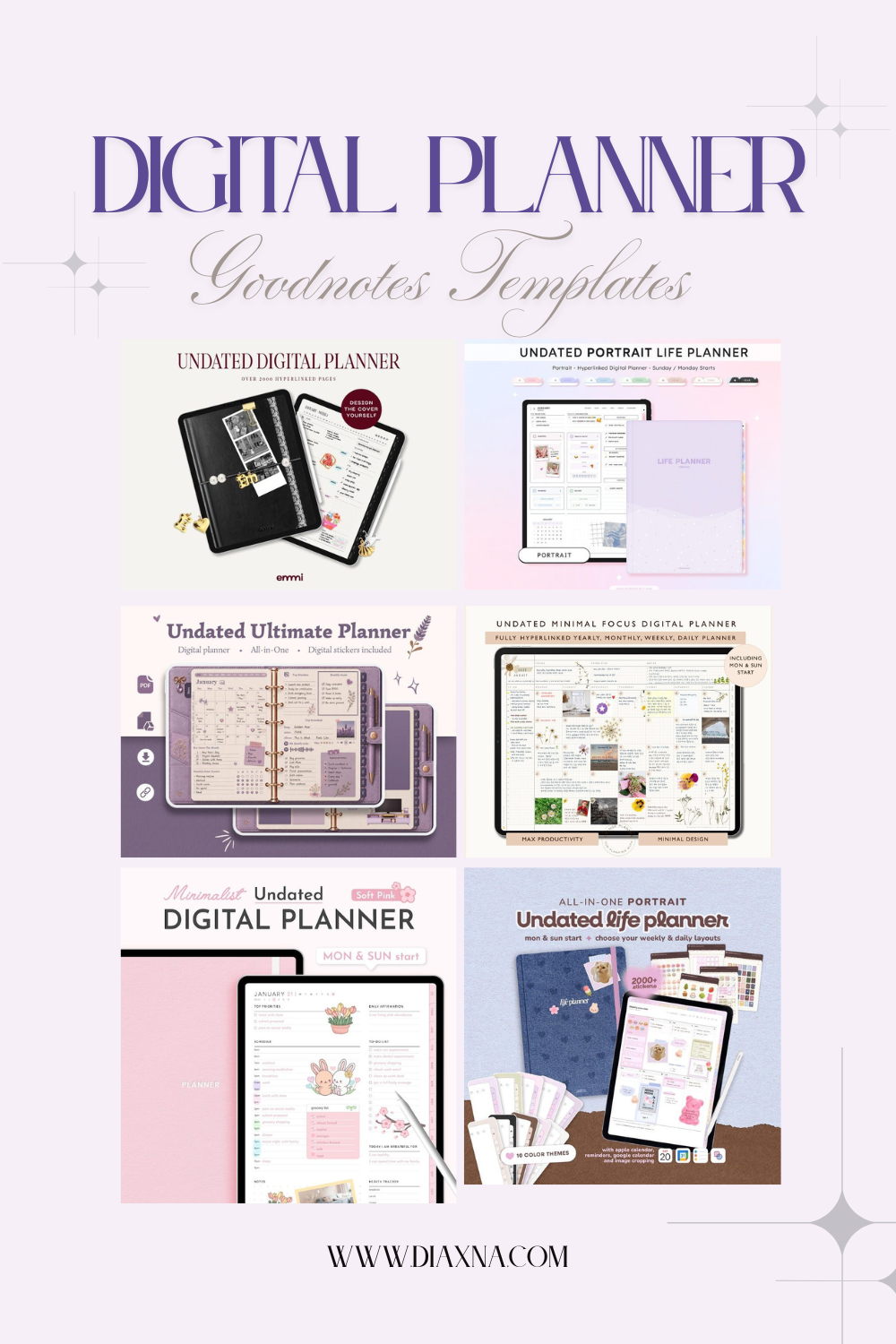
Looking for a cute, functional undated digital planner? Discover 6 aesthetic iPad and GoodNotes planners with daily, weekly and monthly layouts, hyperlinked tabs, pastel designs, digital stickers, habit trackers and goal-setting pages. From minimalist digital journals to all-in-one life planners, these Etsy finds are reusable year after year. Explore the collection and find a digital planner that fits your routine.

Looking for the ultimate Notion client portal template for freelancers and small business owners? This all-in-one Notion template includes everything from onboarding and contracts to project management, invoicing and client feedback — beautifully designed and beginner friendly. Perfect for coaches, consultants, creatives and virtual assistants ready to elevate their client management and professional image. Discover this and more at diaxna.com ✨

Looking for the best Notion coaching business templates for managing clients, onboarding, workflows, and online business operations? In this curated Diaxna Digital roundup, discover aesthetic and practical Notion dashboards designed for coaches, freelancers, consultants, therapists, and service-based businesses. From coaching CRMs and client portals to session planners, onboarding systems, invoice trackers, and business management hubs, these all-in-one Notion templates can help streamline your backend workflows and create a more organized, professional client experience. Whether you are starting your coaching business or upgrading your systems, these beginner-friendly Notion templates offer a more cohesive way to manage and grow your online business.

Looking for the best Freelancer Hub Notion templates for managing your online business? Discover aesthetic and functional Freelancer Hub Notion dashboards designed to help freelancers, digital creators, consultants, and online business owners organize clients, projects, workflows, finances, content planning, and productivity systems all in one place. From CRM systems and project management dashboards to financial trackers and workflow planners, these all-in-one Notion business templates can help streamline your digital workspace and simplify day-to-day operations. Explore some of the best Freelancer Hub Notion templates for building a more organized, efficient, and cohesive online business ecosystem.

Reset your life for 2026 with these 4 all-in-one Notion life planners. Aesthetic dashboards for goals, routines, wellness, finances, productivity and business — perfect for your digital refresh and new-year planning era.
Step 2: Set Up Your Digital Planning System Once you've chosen your digital planning tools, it's time to set them up to work together seamlessly. This may involve connecting different apps or setting up integrations. For example, you may want to set up an integration between your calendar and task management app so that deadlines are automatically added to your calendar.
Step 3: Determine Your Workflow Next, you'll need to determine your workflow. This involves deciding how you will use your digital planning tools to manage your schedule and tasks. For example, you may choose to use your calendar to schedule appointments and meetings and your task management tool to manage your to-do list.
Step 4: Customize Your Digital Planning System To truly make your digital planning system work for you, it's important to customize it to your unique needs and preferences. This may involve setting up specific tags or labels, creating custom templates, or adding unique features to your tools. Take the time to experiment with different options until you find a system that works well for you.
Step 5: Review and Adjust Your System Finally, it's important to review and adjust your digital planning system regularly. This will ensure that it continues to meet your needs as they evolve over time. Make adjustments as necessary, and be open to trying new tools and techniques that may help streamline your workflow even further.
By following these five steps, you can build a digital planning system that is tailored to your unique needs and preferences. Whether you're a busy professional, a student, or just looking to get more organized, a well-designed digital planning system can help reduce stress and streamline your life. With a little bit of effort and experimentation, you can create a system that works for you!
Relates posts:
Looking for a cute, functional undated digital planner? Discover 6 aesthetic iPad and GoodNotes planners with daily, weekly and monthly layouts, hyperlinked tabs, pastel designs, digital stickers, habit trackers and goal-setting pages. From minimalist digital journals to all-in-one life planners, these Etsy finds are reusable year after year. Explore the collection and find a digital planner that fits your routine.
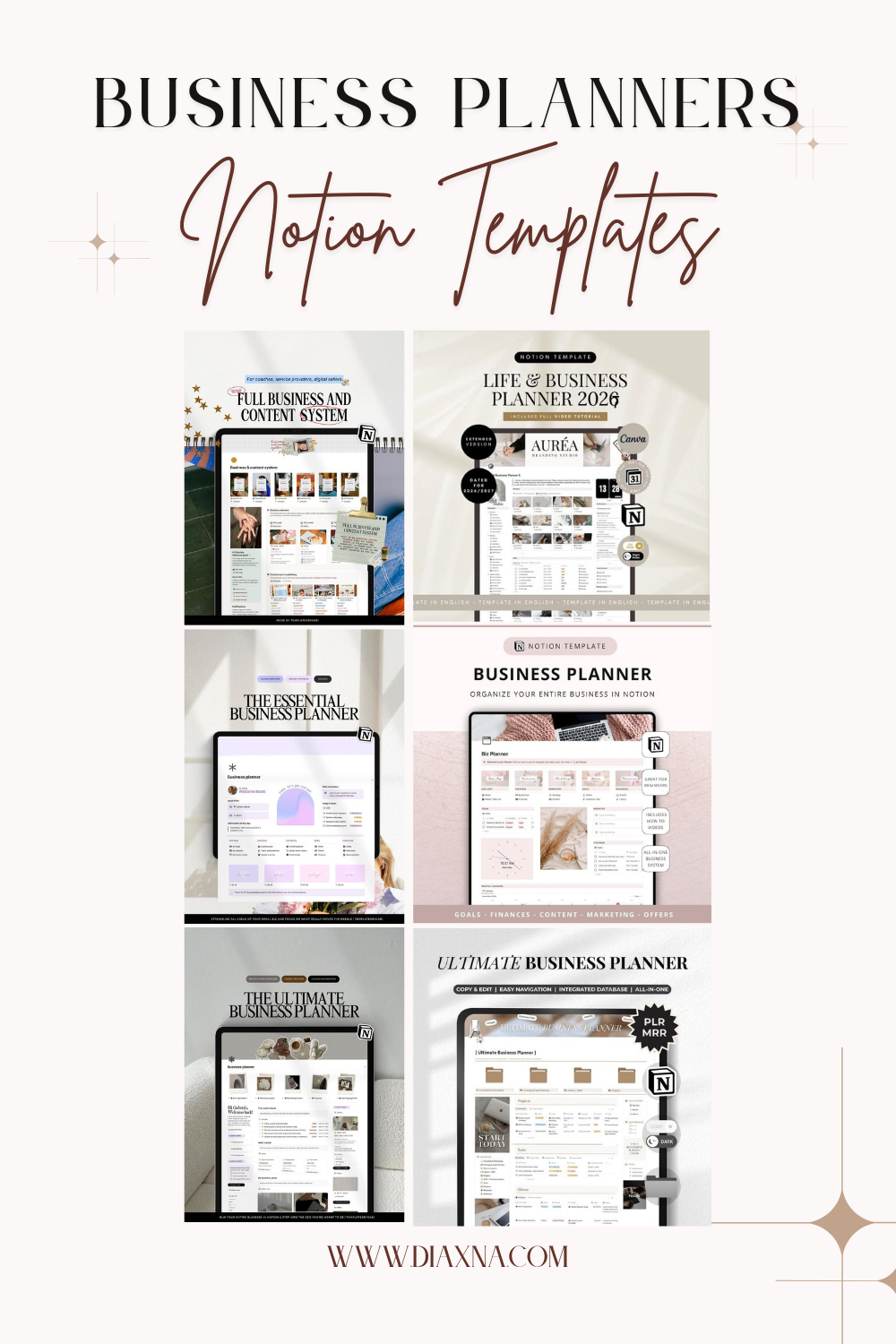
Looking for an all-in-one Notion business template to organise your small business? This curated Etsy collection brings together business planners, CRM systems, content calendars, project trackers, finance dashboards, SOP hubs and marketing workspaces designed for entrepreneurs, freelancers and online business owners. Whether you need help managing clients, planning content, tracking sales, organising projects or keeping business goals in one place, these Notion business templates turn scattered tasks into a more streamlined digital system.
Looking for the ultimate Notion client portal template for freelancers and small business owners? This all-in-one Notion template includes everything from onboarding and contracts to project management, invoicing and client feedback — beautifully designed and beginner friendly. Perfect for coaches, consultants, creatives and virtual assistants ready to elevate their client management and professional image. Discover this and more at diaxna.com ✨
Looking for the best Notion coaching business templates for managing clients, onboarding, workflows, and online business operations? In this curated Diaxna Digital roundup, discover aesthetic and practical Notion dashboards designed for coaches, freelancers, consultants, therapists, and service-based businesses. From coaching CRMs and client portals to session planners, onboarding systems, invoice trackers, and business management hubs, these all-in-one Notion templates can help streamline your backend workflows and create a more organized, professional client experience. Whether you are starting your coaching business or upgrading your systems, these beginner-friendly Notion templates offer a more cohesive way to manage and grow your online business.
Looking for the best Freelancer Hub Notion templates for managing your online business? Discover aesthetic and functional Freelancer Hub Notion dashboards designed to help freelancers, digital creators, consultants, and online business owners organize clients, projects, workflows, finances, content planning, and productivity systems all in one place. From CRM systems and project management dashboards to financial trackers and workflow planners, these all-in-one Notion business templates can help streamline your digital workspace and simplify day-to-day operations. Explore some of the best Freelancer Hub Notion templates for building a more organized, efficient, and cohesive online business ecosystem.
Reset your life for 2026 with these 4 all-in-one Notion life planners. Aesthetic dashboards for goals, routines, wellness, finances, productivity and business — perfect for your digital refresh and new-year planning era.

The Notion 12 Week Year Planner is a user-friendly, aesthetic template designed to help you achieve goals in 90 days. Ideal for personal, business, and life planning, it breaks down large objectives into actionable weekly tasks. Features include customizable weekly and daily planners, a goals tracker, habit tracker, to-do list, calendar, and more. With its SMART goals framework and vision board, this planner keeps you organized, motivated, and on track for success.

The Success Planner by La Lavande Studio is a versatile Notion template combining the 12 Week Year and Atomic Habits frameworks to help you achieve goals and build lasting habits. The 12 Week Year Planner focuses on short-term goal setting and tracking, ideal for personal growth, career, or financial planning. The Atomic Habits section emphasizes creating sustainable habits for long-term success. Whether used together or separately, this tool enhances focus, productivity, and flexibility, making it perfect for anyone seeking structured systems for organization and motivation.

The Notion Life Dashboard by Jazmine Russell is an all-in-one template for creatives, offering streamlined goal-setting, project management, and vision casting—ideal for balancing personal and professional goals in one place.

Boost your productivity with Notion's Virtual Study Cafe by notionwithro. This essential study template creates a cozy, organized environment for academic success. It features an updated to-do list, class manager, daily session tracker, Pomodoro timer, notebook, spaced repetition system, notes template, timetable, and a customization guide to keep you productive.

Transform your life with the Notion Second Brain Life OS by Solt Wagner. This ultimate Notion template helps you organize projects, tasks, notes, goals, finances, and more in one streamlined system. With its minimal and Lofi aesthetic themes, it’s perfect for efficient, stylish life management.

Streamline your business with the ultimate Notion Dashboard Hub! Perfect for coaches and small businesses, this all-in-one planner, CRM, and financial tracker helps organize tasks, manage deadlines, and set goals. Features include client management, social media planning, and financial tracking. Boost productivity and streamline your operations with this comprehensive tool.

Elevate your freelance business with TTBCo’s all-in-one Notion Template! This powerful tool is designed to streamline every aspect of your workflow, from client management and project tracking to productivity and financial oversight. Featuring customizable databases for clients and leads, advanced project workflows, and automated timesheets, it adapts to your unique needs. With built-in marketing planning and financial tracking, this template ensures seamless interaction between tasks and helps you stay organized and productive. Perfect for freelancers and service-based businesses, TTBCo’s Notion Template transforms your workflow and enhances your business efficiency.

Boost your efficiency with the "Second Brain Made Simple" by Study To Success! This digital Notion life planner offers productivity and goal management tools, including habit trackers, academic and finance hubs, and customizable aesthetics. Accessible on any device, it features popular planning methods and comprehensive tutorials for effective task organization.
"EllasCollective's Ultimate Notion Social Media Planner helps you master content strategy across Instagram, TikTok, YouTube, and Pinterest. This powerful tool streamlines content creation with an organized calendar, providing a comprehensive overview of upcoming posts. Perfect for social media managers and content creators seeking to boost productivity and maintain a cohesive multi-platform strategy."